


Power Supply Fan Noise: Why Is My DC Power Supply Fan So Loud?
Power Supply Fan Noise: Why Is My DC Power Supply Fan So Loud?
Power supply fan noise is a common concern when using a DC bench power supply for electronics testing, PCB repair, battery testing, and laboratory work.
You may notice that your DC power supply fan is almost silent when the unit is running at a low load, but becomes noticeably louder when output current or power increases. In some cases, a fan may suddenly become noisy even when the power supply is operating under a relatively light load.
So, why is my power supply fan so loud?
Is DC power supply fan noise normal, or does it indicate a problem?
The answer depends on the relationship between load, temperature, airflow, fan speed, and the cooling design of the power supply.
In this guide, we'll explain the most common causes of bench power supply fan noise, how temperature-controlled cooling works, how to reduce unnecessary noise, and what to look for when choosing a quieter DC power supply.
Why Do DC Power Supplies Have Cooling Fans?
A DC bench power supply converts electrical energy and produces heat during operation.
The amount of heat generated depends on factors such as:
-
Output voltage
-
Output current
-
Output power
-
Conversion efficiency
-
Internal temperature
-
Operating environment
-
Power supply design
When the internal temperature increases, the power supply cooling fan helps remove heat from components such as power transistors, rectifiers, transformers, and heat sinks.
For example, a 30V 10A power supply can deliver up to 300W of output power. When operating continuously at a high load, the power supply needs to dissipate considerably more heat than it does during low-current electronics testing.
This is why power supply fan noise often increases when output power increases.
A louder fan does not automatically mean that your DC power supply has a problem.
In many cases, it simply means that the cooling system is responding to a higher thermal load.
Why Does My Power Supply Fan Get Loud?
There are several common causes of noisy power supply fans.
1. High Output Power
One of the most common reasons for increased DC power supply fan noise is high output power.
As the load increases:
Higher load → More heat → Higher fan speed → More fan noise
For example, a bench power supply used for low-current PCB debugging may remain relatively quiet.
However, when the same power supply is used for:
-
Battery testing
-
Automotive electronics
-
DC motor testing
-
Power converter testing
-
High-current electronic loads
the cooling fan may increase its speed.
This is generally normal behavior.
For applications that require higher current for longer periods, choosing an appropriately rated adjustable DC power supply can provide more operating headroom.
2. Temperature-Controlled Cooling Fans
Many modern DC bench power supplies use temperature-controlled fans.
Instead of running the fan at maximum speed continuously, the power supply monitors internal temperature and adjusts the fan speed according to the thermal condition.
This approach can provide:
-
Lower noise at light loads
-
Lower fan wear
-
Better thermal management
-
Lower unnecessary power consumption
-
More comfortable operation on an electronics workbench
A typical operating pattern may look like this:
| Operating Condition | Fan Behavior |
|---|---|
| Low load | Low or minimal fan speed |
| Medium load | Moderate fan speed |
| High load | Higher fan speed |
| High temperature | Increased cooling |
Therefore, if your bench power supply fan noise increases gradually as the load increases, this may be a sign that the thermal control system is working as intended.
3. Dust and Restricted Airflow
Dust accumulation can also cause power supply fan noise.
Over time, dust may collect around:
-
Fan blades
-
Air vents
-
Heat sinks
-
Cooling channels
-
Exhaust openings
When airflow becomes restricted, the cooling system may need to work harder to maintain the appropriate internal temperature.
If your power supply was quiet when new but has gradually become louder, check the external ventilation openings for dust or obstructions.
Always disconnect the equipment from mains power before cleaning it and follow the manufacturer's maintenance instructions.
4. Poor Ventilation Around the Power Supply
Sometimes the fan itself is not the problem.
A DC power supply cooling fan may become louder when hot air cannot escape efficiently.
Avoid placing the power supply:
-
Directly against a wall
-
Inside a tightly enclosed cabinet
-
Under other equipment
-
Directly over ventilation openings
-
In an area with restricted airflow
Good ventilation can improve cooling efficiency and may reduce how frequently the fan needs to operate at high speed.
This is particularly important for higher-power bench power supplies used for continuous testing.
5. Fan Bearing or Mechanical Problems
Not all power supply fan noise is caused by high temperature.
A mechanical fan problem can produce sounds such as:
-
Rattling
-
Grinding
-
Clicking
-
Vibrating
-
Intermittent buzzing
These sounds are different from the normal increase in airflow noise caused by higher fan speed.
If the fan suddenly develops unusual mechanical noise while the power supply is operating under a light load, the cooling fan may have a mechanical problem or be approaching the end of its service life.
In this situation, follow the manufacturer's inspection and service recommendations.
Is Power Supply Fan Noise Normal?
It depends on when the noise occurs and what the noise sounds like.
| Fan Behavior | Possible Cause |
|---|---|
| Quiet at low load, louder at high load | Normal thermal response |
| Fan speed increases as output power increases | Normal cooling operation |
| Fan continuously runs at high speed | High load, high temperature, or cooling design |
| Rattling or grinding | Possible mechanical problem |
| Fan becomes louder after long-term use | Dust or fan wear |
| Fan becomes loud inside an enclosed cabinet | Poor ventilation |
The most important thing is to understand the relationship between load, temperature, and fan speed.
A fan that becomes louder as the power supply delivers more power is generally different from a fan that suddenly starts producing abnormal mechanical sounds.
How to Reduce DC Power Supply Fan Noise
If you want a quieter electronics workbench, there are several practical things you can do.
1. Avoid Unnecessary Continuous High Loads
If your application only requires a small amount of current, there may be no reason to operate the power supply close to its maximum output continuously.
For example, if a circuit normally requires 2A, continuously operating a 10A power supply at a much higher load is unnecessary.
Reducing the actual load can reduce heat generation and therefore reduce power supply fan noise.
2. Improve Airflow
Make sure there is enough space around the ventilation openings.
Do not place:
-
Tools
-
Cables
-
Books
-
Test equipment
-
Other instruments
directly over or against the air vents.
For enclosed installations, consider the complete airflow path from air intake to exhaust.
3. Keep the Ventilation Openings Clean
Inspect the ventilation openings regularly.
Removing accumulated dust can help maintain airflow efficiency and reduce unnecessary thermal stress.
Do not use cleaning methods that could force dust deeper into the equipment.
4. Choose the Right Power Supply Rating
Power supply selection can have a direct impact on operating temperature and DC power supply fan noise.
If your typical load is very close to the maximum output of the power supply, the cooling system may need to operate at a higher fan speed more frequently.
Instead of simply buying the largest power supply available, select a model that provides an appropriate balance between:
-
Voltage range
-
Current capacity
-
Output power
-
Typical operating load
-
Thermal performance
-
Application requirements
For general electronics repair and PCB troubleshooting, a 30V 5A bench power supply may be sufficient.
For automotive electronics and 12V/24V testing, a 30V 10A model provides additional current capacity.
Linear vs. Switching Power Supplies: Which Is Quieter?
Power supply architecture can influence thermal performance and fan requirements.
Linear DC Power Supplies
Linear power supplies can generate significant heat, particularly when the difference between input and output voltage is large.
They are often selected for applications where low output ripple and stable regulation are important.
However, thermal management remains an important design consideration.
Switching DC Power Supplies
Switching power supplies generally use high-frequency switching conversion and can achieve high efficiency.
Higher efficiency can reduce heat generation under comparable operating conditions.
However, high-power switching power supplies may still require active cooling.
Therefore, it is not accurate to assume that every switching power supply is quiet or every linear power supply is noisy.
Fan noise depends on the complete design, including:
-
Efficiency
-
Output power
-
Thermal design
-
Heat sink size
-
Fan control
-
Airflow
-
Operating load
-
Ambient temperature
Does a Loud Power Supply Fan Mean It Is Failing?
Not necessarily.
A fan becoming louder during a high-power test is usually not enough to conclude that a DC power supply is failing.
Before diagnosing a problem, check:
-
What is the output voltage?
-
What is the output current?
-
How much power is being delivered?
-
How long has the power supply been operating?
-
Is the fan speed changing with load?
-
Are the ventilation openings blocked?
-
Is the fan producing abnormal mechanical sounds?
-
Is the equipment overheating?
If the fan becomes louder as the load increases and the output remains stable, the behavior may simply be normal thermal management.
However, sudden rattling, grinding, overheating, unexpected shutdowns, or unstable output should be investigated.
How Quiet Should a Bench Power Supply Be?
There is no single ideal fan-noise level for every application.
A compact bench power supply for electronics repair may prioritize quiet operation during light-load testing.
A higher-power unit used for battery testing, automotive electronics, or industrial equipment may require stronger active cooling.
For engineers, the better question is not simply:
"Is this power supply completely silent?"
Instead, ask:
"Does the cooling system provide sufficient thermal performance without producing unnecessary noise?"
A good design should balance:
Cooling Performance + Reliability + Fan Control + Acoustic Comfort
Trying to completely eliminate the cooling fan may not be the best solution if doing so compromises thermal performance.
What to Look for When Buying a Quiet DC Power Supply
If power supply fan noise is an important consideration for your workbench, look for the following features.
Temperature-Controlled Fan
A temperature-controlled fan can reduce noise during light-load operation while increasing cooling performance when needed.
Efficient Thermal Design
A well-designed heat sink and airflow path can help remove heat efficiently.
Appropriate Output Rating
Choose the voltage, current, and power range according to your actual application.
Stable Continuous Operation
For battery testing, automotive electronics, and long-duration electronics testing, continuous-load performance can be more important than the maximum output specification alone.
Low-Noise Operation
For laboratories, classrooms, repair benches, and office environments, acoustic performance can be an important part of the overall user experience.
Recommended DC Power Supplies for Electronics Testing
Different electronics applications require different combinations of voltage, current, and control features.
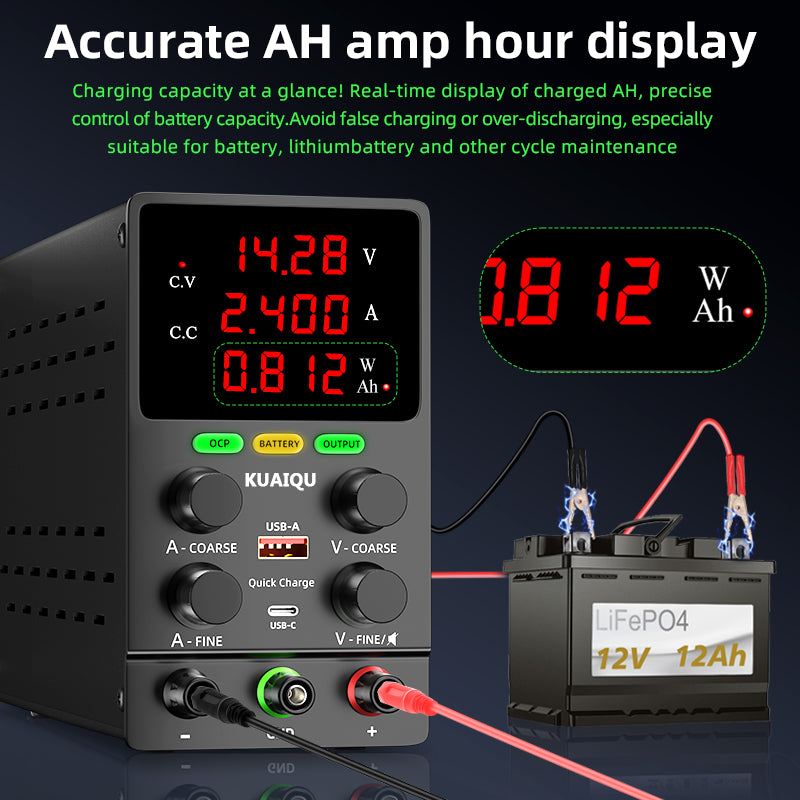
KUAIQU SPS305C — For PCB Repair and Electronics Troubleshooting
The KUAIQU SPS305C 30V 5A regulated power supply is designed for PCB power-up testing, IC evaluation, circuit debugging, component testing, and electronics repair.
Its 0–30V / 0–5A output makes it suitable for many low-voltage electronics applications.
Recommended use: PCB repair, circuit debugging, IC testing, prototype boards, and general electronics troubleshooting.
Internal link: KUAIQU SPS305C 30V 5A Regulated Power Supply
KUAIQU SPPS-K Series — For Precision Electronics Testing
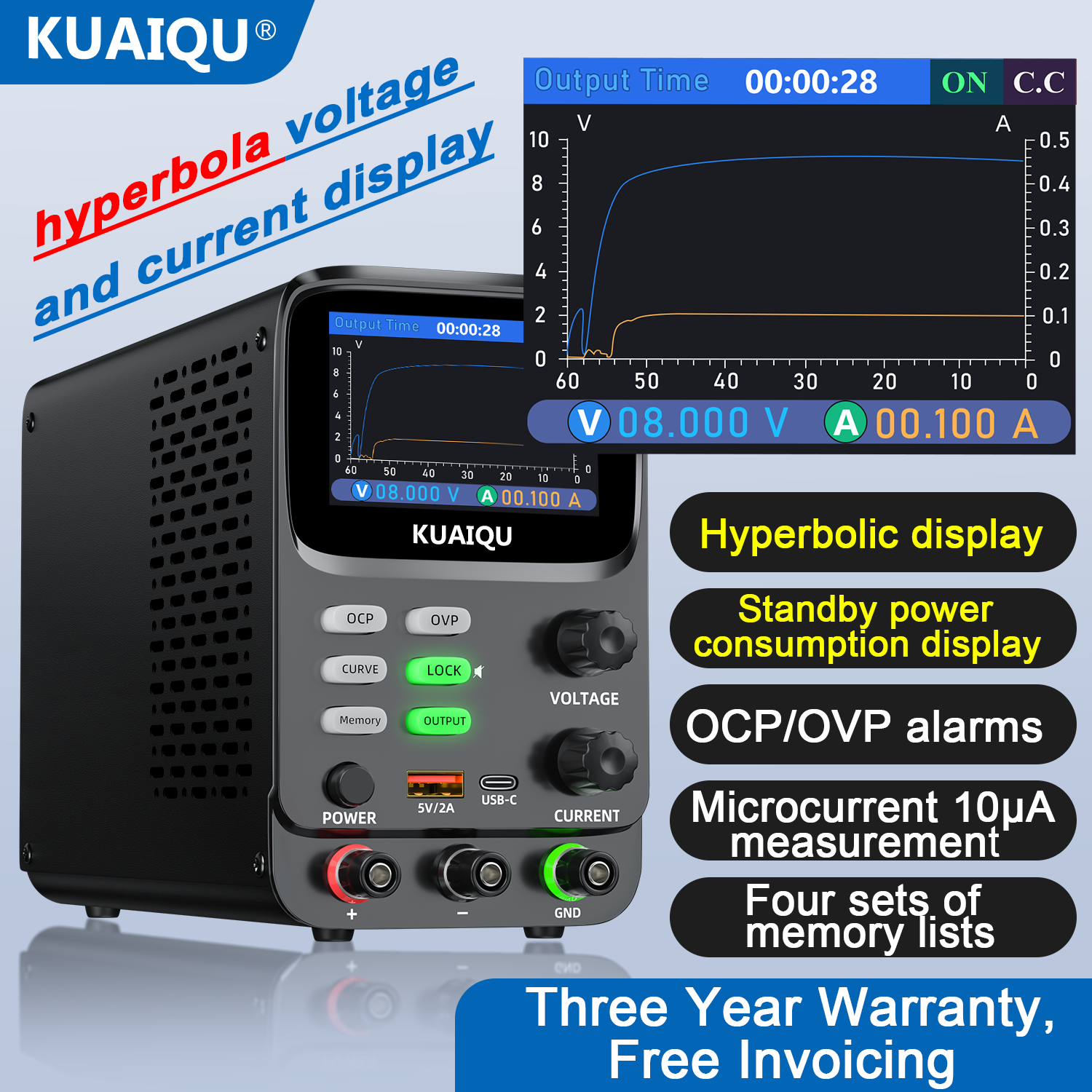
For applications where engineers need higher-resolution voltage and current measurement, the KUAIQU SPPS-K Series provides precision adjustment, high-resolution current measurement, real-time monitoring, and protection functions.
For example, the SPPS-K3010 provides 0–30V, 0–10A, 300W output, 1mV voltage resolution, and 10μA current readback resolution.
Recommended use: PCB testing, embedded systems, power electronics, DC/DC converter testing, component evaluation, and advanced electronics R&D.
Internal link: KUAIQU SPPS-K Series
Power Supply Fan Noise: Common Questions
Why is my DC power supply fan so loud?
The most common causes are high output power, increased internal temperature, restricted airflow, dust, or fan wear.
Why does my bench power supply fan suddenly speed up?
Many bench power supplies use temperature-controlled fan systems. When internal temperature reaches a certain level, the fan speed increases to improve cooling.
Is a noisy power supply fan dangerous?
Fan noise itself does not necessarily indicate a dangerous condition. However, unusual grinding, rattling, overheating, unstable output, or unexpected shutdowns should be investigated.
How can I make my power supply quieter?
Reduce unnecessary continuous loads, improve ventilation, keep air vents clean, and choose a power supply with appropriate thermal management and fan control.
Should a DC power supply fan always run?
Not necessarily. Some power supplies use temperature-controlled cooling, so the fan may run at low speed or remain relatively quiet under light loads and increase speed when the internal temperature rises.
Related Reading
If you are using a DC bench power supply for electronics troubleshooting, these related guides can help you understand power supply behavior and testing techniques:
How to Test a PCB Power Rail with a DC Power Supply
Learn how to use an adjustable DC power supply to check PCB voltage rails, monitor current consumption, identify abnormal loads, and troubleshoot possible power rail problems.
Internal link: How to Test a PCB Power Rail with a DC Power Supply
Why Does My Power Supply Voltage Drop Under Load?
Voltage drop under load can be related to current limitations, output capacity, wiring, load conditions, or power supply behavior.
Internal link: Why Does My Power Supply Voltage Drop Under Load?
Final Thoughts
Power supply fan noise is not automatically a sign of a faulty power supply.
In many cases, increased fan noise simply means the cooling system is responding to higher output power or internal temperature.
The most important factors to consider are:
-
Output load
-
Internal temperature
-
Airflow
-
Fan-control strategy
-
Power supply efficiency
-
Fan condition
-
Operating environment
If the fan becomes gradually louder as output power increases, this is usually expected behavior.
If the fan suddenly develops rattling, grinding, or vibration, however, the cooling system may need inspection.
For electronics engineers and technicians, the best DC power supply is not necessarily the one with the lowest fan noise. The better choice is a unit that provides the right balance of stable output, protection, thermal management, reliability, and acoustic performance for the intended application.
Whether you're working on PCB repair, electronics prototyping, automotive electronics, battery testing, or laboratory development, understanding power supply fan noise can help you choose and operate a DC bench power supply more effectively.